
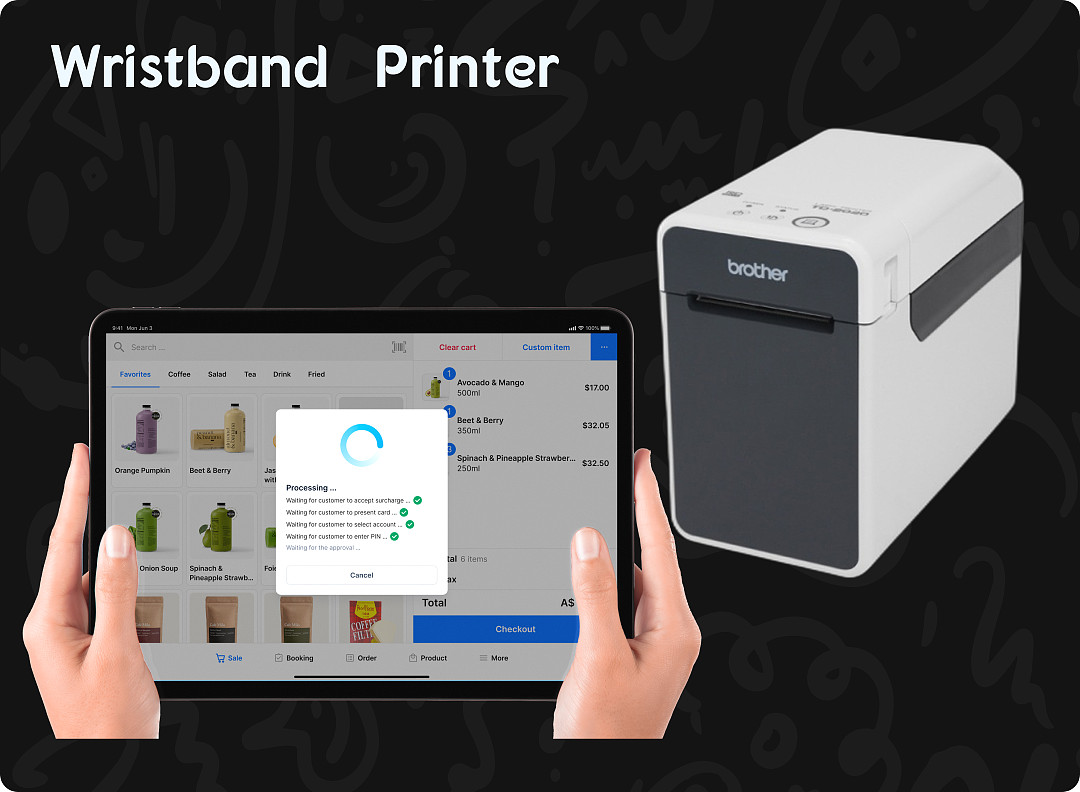
Pisell Terminal Connected to Wristband/Label Printer
Hardware Introduction
Enhance your store’s operational efficiency with the wristband printer/ Label printer as your reliable ally. With its outstanding printing efficiency, stable performance, and diverse connectivity options, it greatly improves daily work efficiency and meets all your printing needs. Moreover, by closely integrating with the Terminal, you can easily control the printing situation, ensuring the smoothness of the entire business process.
Interested in learning how to cleverly connect the wristband printer with the Terminal for more efficient use? Watch the video tutorial below, where we will guide you through the connection steps in detail. Through the video, you will quickly master the perfect integration techniques between the wristband printer and the Terminal, making printing more convenient and efficient. Click to watch now and embark on your journey of intelligent print management!
 2213
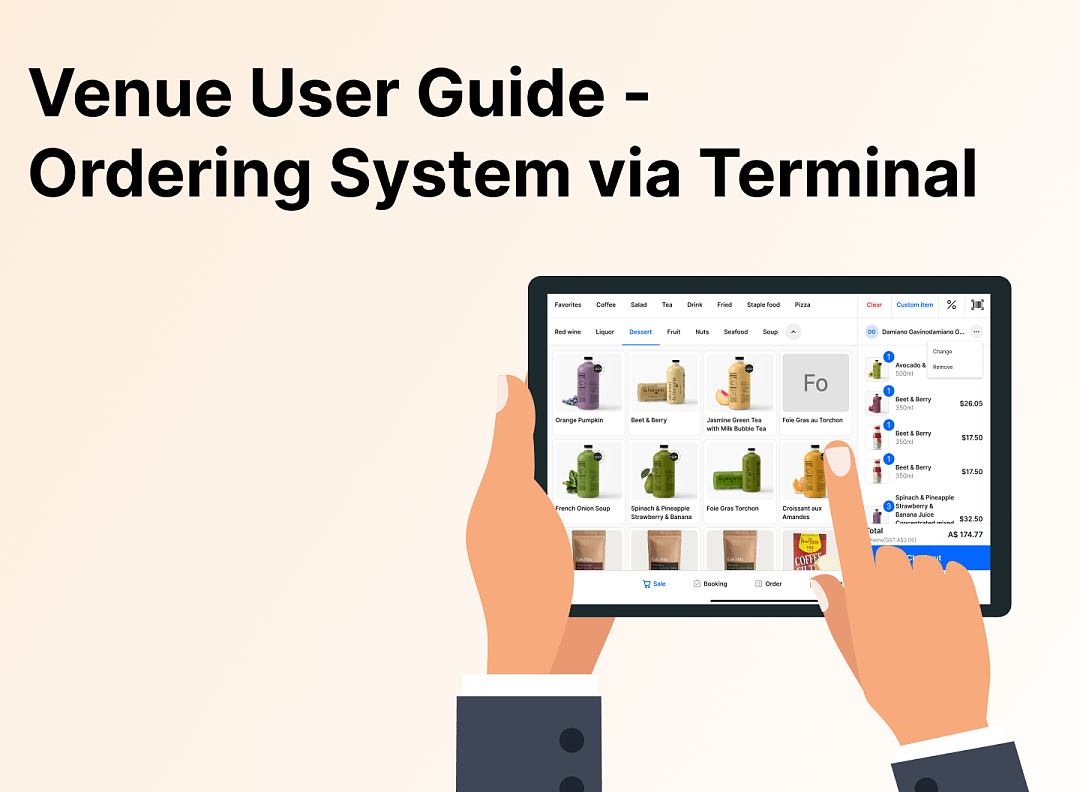
2213Family Restaurant Operation Guide - Terminal F&B System
 2148
2148Apple Pay Platform Web Merchant Terms and Conditions
 2221
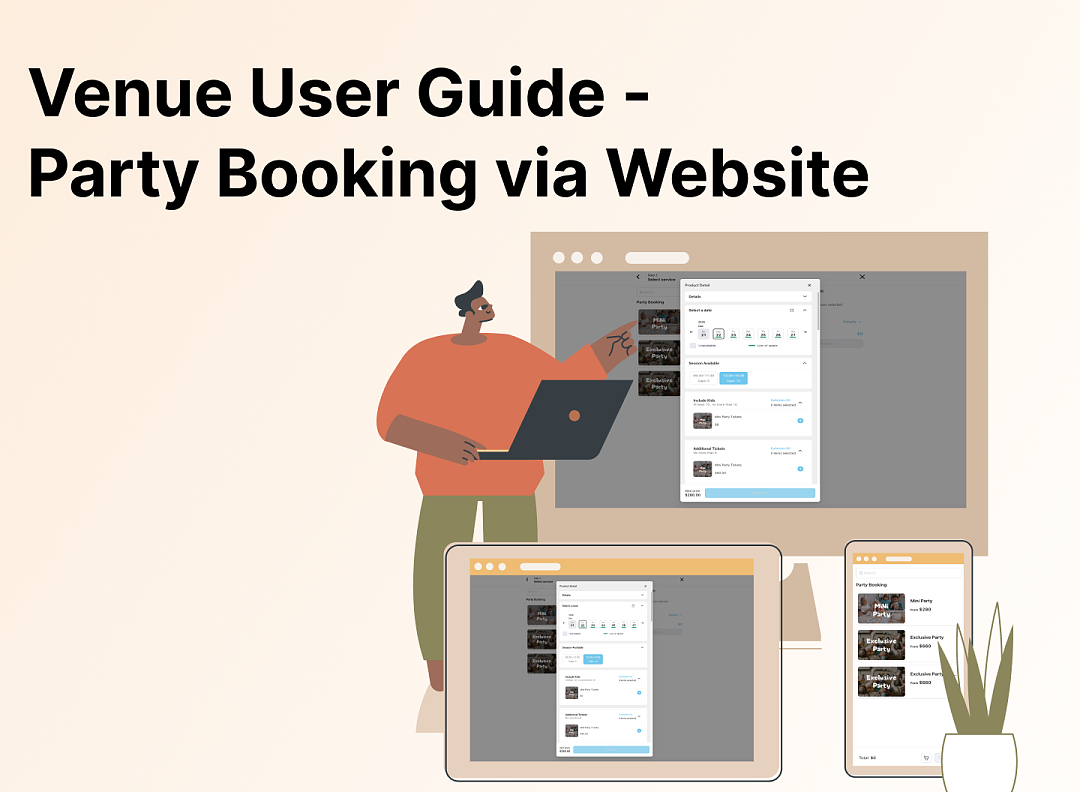
2221Family-Friendly Restaurant User Guide (Operational Items) - Client-Side Booking for Parties and Tickets
 1838
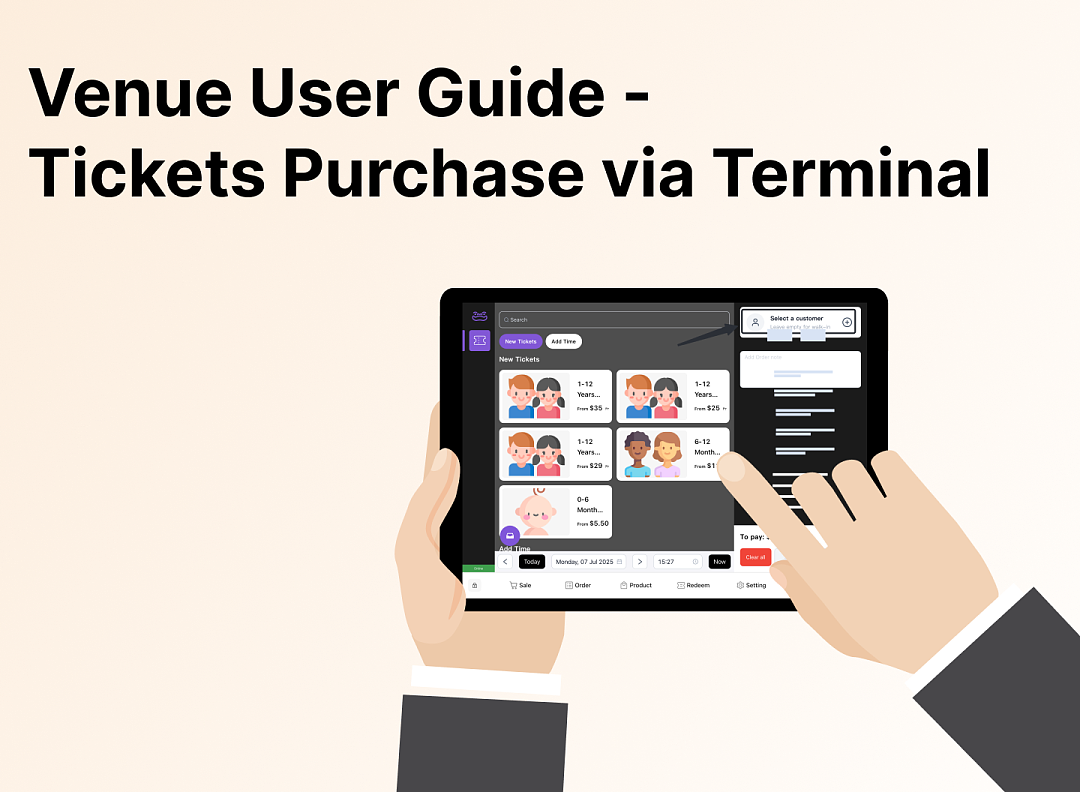
1838Kids Cafe Usage Guide (Operational Items) - Terminal Selling Tickets
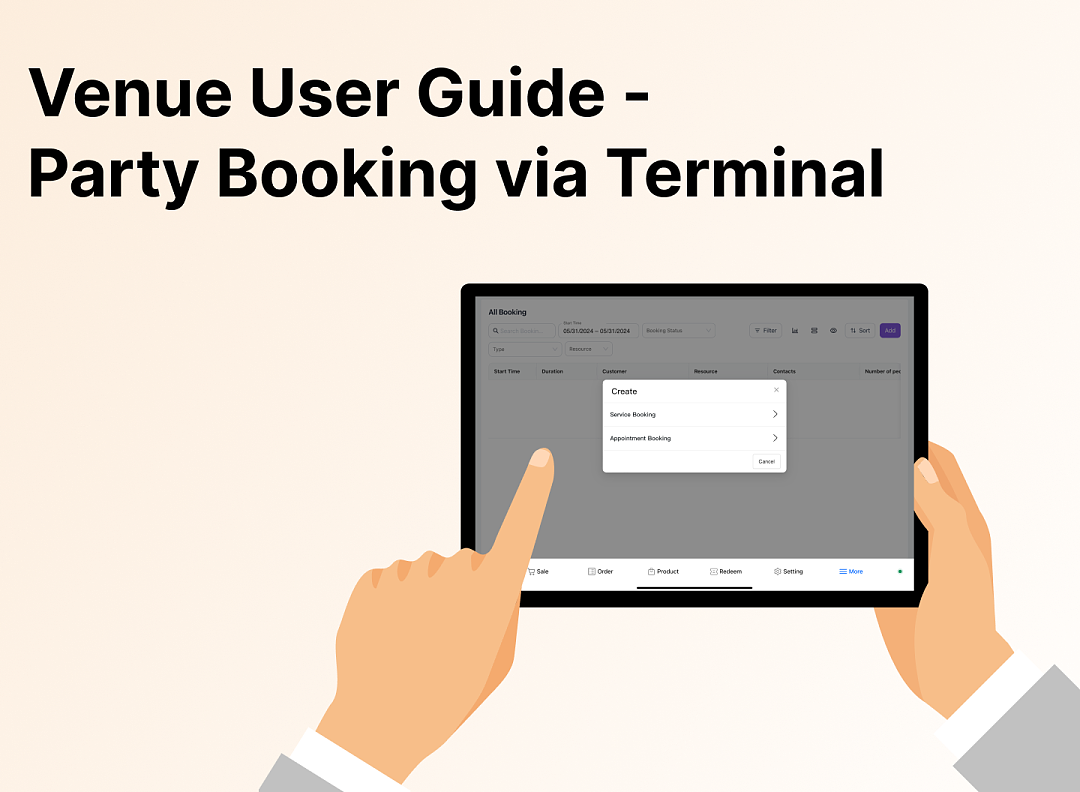 1859
1859Family-Friendly Restaurant User Guide - Terminal for Booking Parties
![[Important Notice] Pisell Client Operations Team— Fixed Online Service Hours Pisell Support](https://file.mypisell.com/pisel/image/435/d7d250eb99c80ca34e3e7fc75c5b92cd2025_09_26_18_07_00_009_03613999964__2880_2112__.jpeg?x-oss-process=image/format,jpg/interlace,1,image/resize,w_1080/quality,Q_90/sharpen,90 "[Important Notice] Pisell Client Operations Team— Fixed Online Service Hours Pisell Support") 2716
2716[Important Notice] Pisell Client Operations Team— Fixed Online Service Hours Pisell Support
 3430
3430Guidelines for Estimating Reserve (Merchant Self-Assessment Version)
 3281
3281Voluntary Withholding Funds & Reserve Explanation
 2993
2993Voluntary Withholding Funds
 3419
3419Online Payment 3DS Security Upgrade
 3057
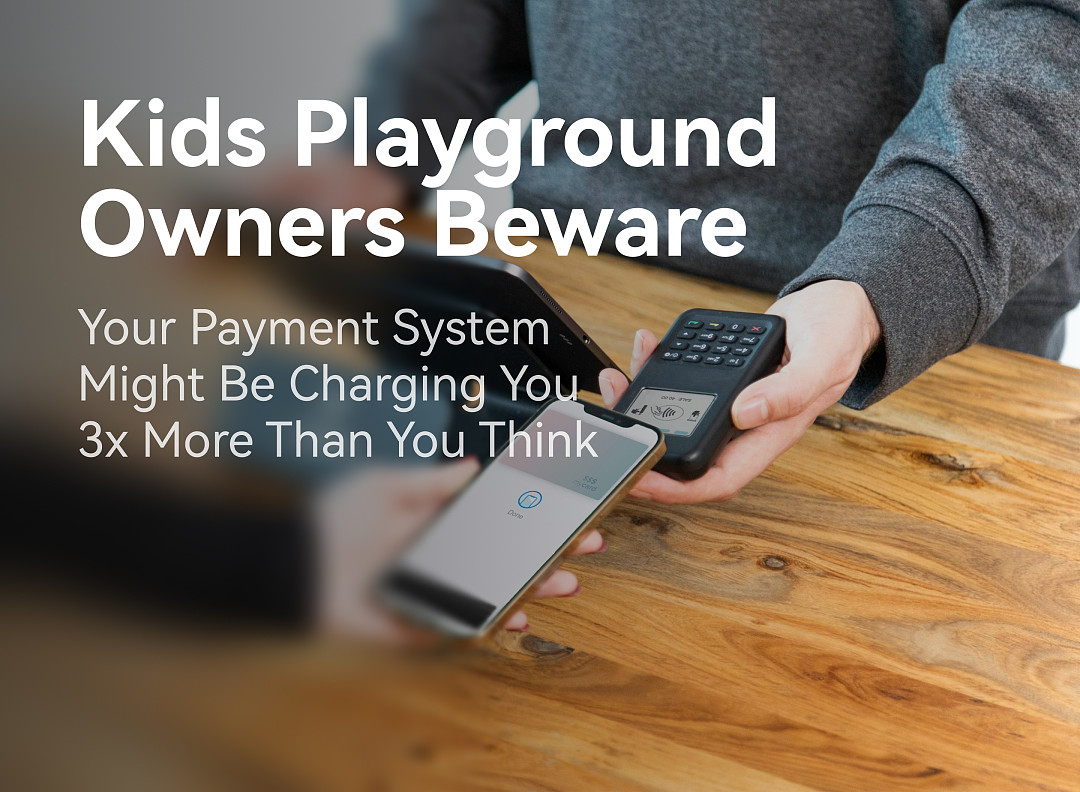
3057Kids Playground Owners Beware: Your Payment System Might Be Charging You 3x More Than You Think
 5282
5282Manage Your Pisell Subscription
 5133
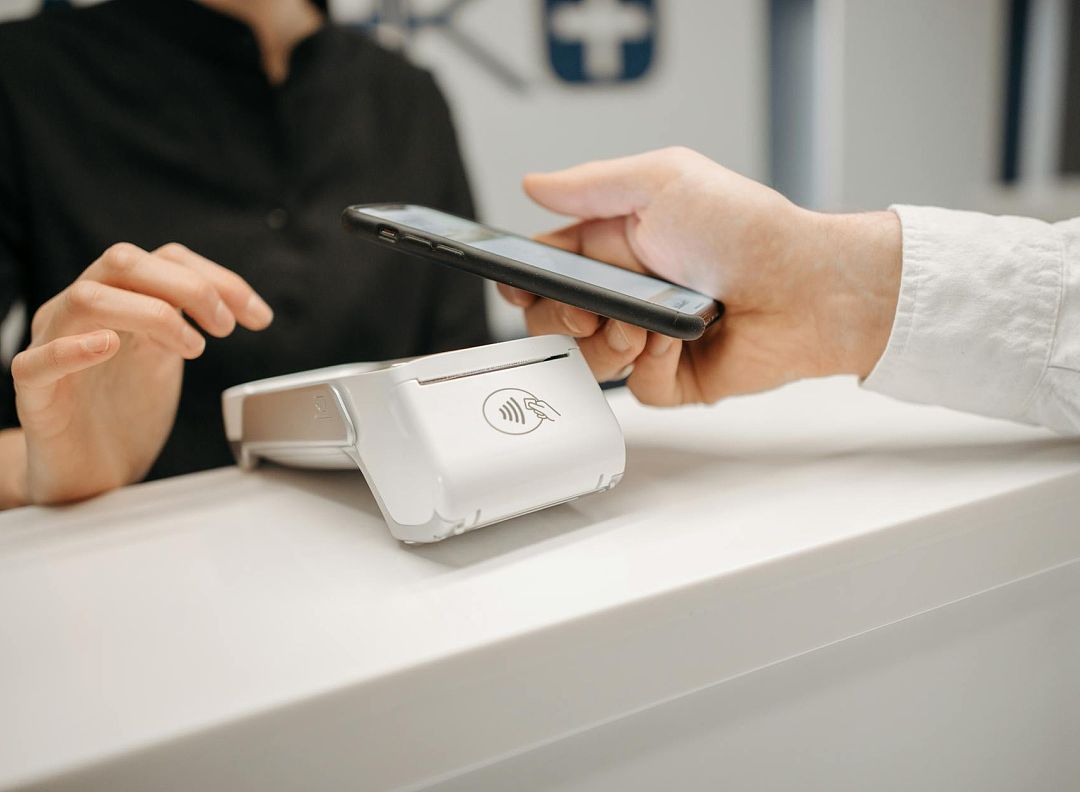
5133Pisell Payment Chargeback FAQ
 5458
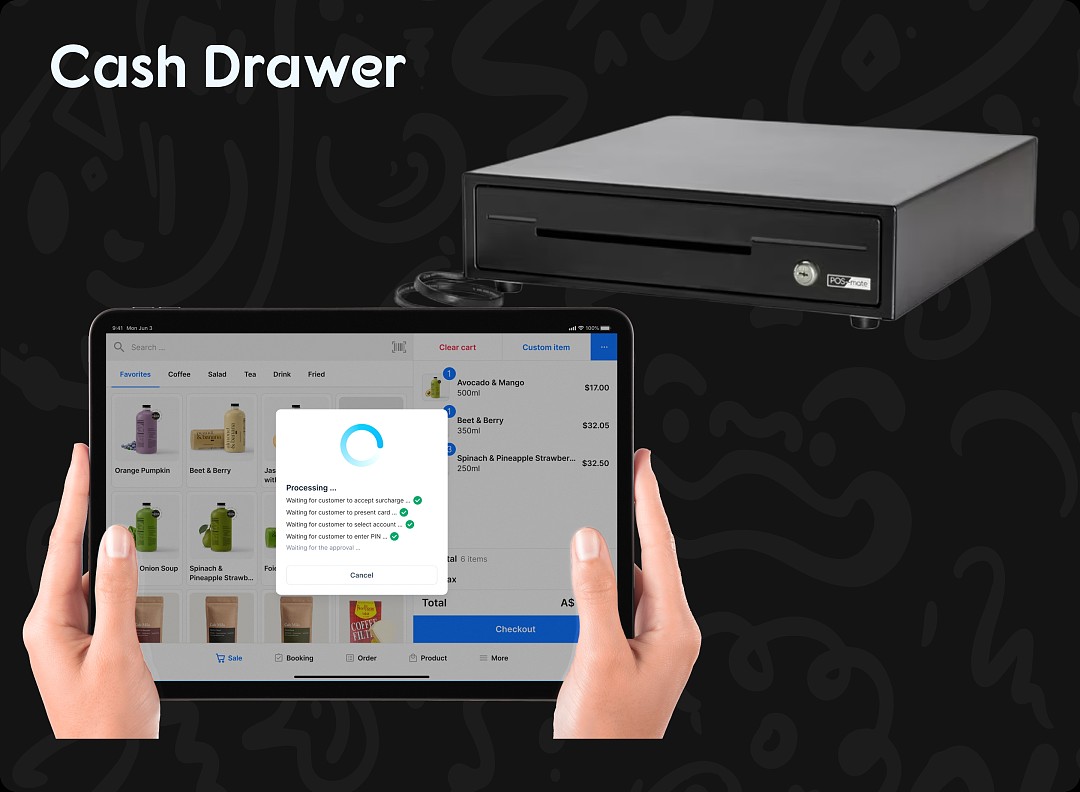
5458Pisell Terminal Connecting to Cash Box
 5299
5299